I turned my Timeular Tracker into a macOS macropad
Show and tell time.
What it does
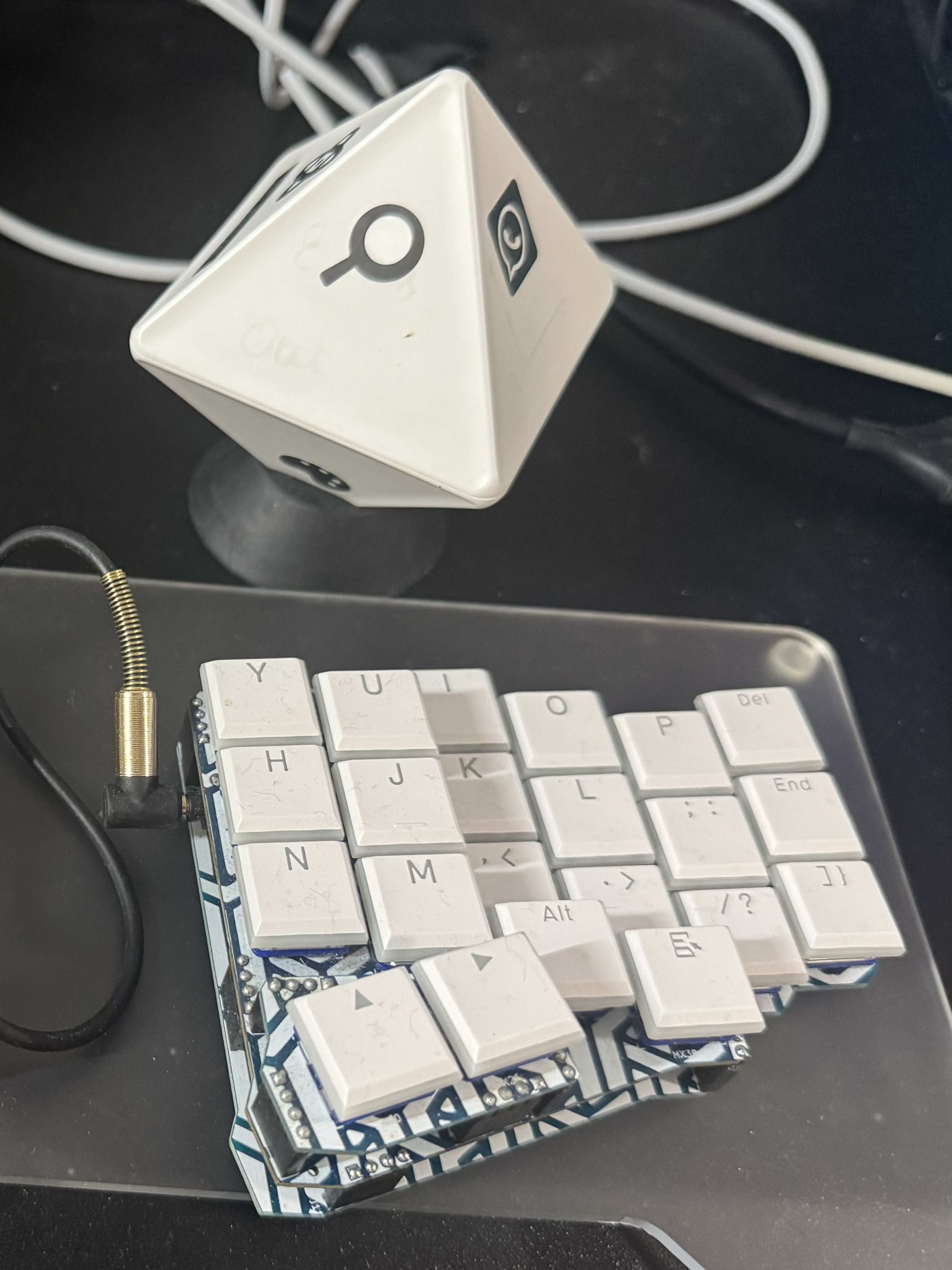
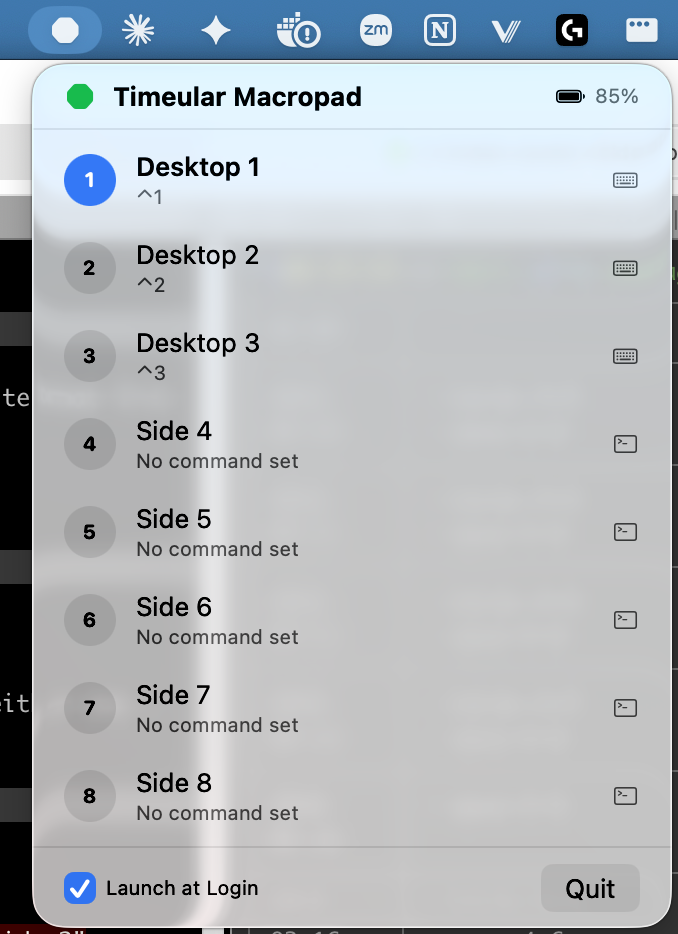
I turned my Timeular Tracker (the 8-sided time-tracking dice) into a physical macropad for macOS. Flip the dice, switch macOS desktops. Side 1 is my main workspace, side 2 is a side project, side 3 is another. No keyboard shortcut to remember, just a satisfying physical flip. Every side can also be bound to launching an app, running a shell command, or opening a URL, all configured from a tiny menu bar popover.
How it got built
I had the Timeular charged but unused on my desk (I stopped paying the monthly subscription). I also had Claude Opus 4.6, and even though I don’t know Swift, Opus does.
- Scan. Asked Claude to find the Timeular over Bluetooth. It picked Python to explore the device.
- Prototype. Read the orientation signal on flip and wired it to shell commands. A working macropad in one script.
- Go native. Rewrote the whole thing in Swift/SwiftUI as a proper macOS menu bar app with CoreBluetooth.
- Ship it. Works.
Source on GitHub.